Drag & drop your file here
or click to browse - JPG, JPEG or PNG (Max 15MB)
✓ Your photo is processed securely and stored locally — never saved or shared.
Your perfectly formatted SSC CHSL document will appear here.
SSC CHSL Image Requirements (3.5 cm x 4.5 cm)
Before applying for the ssc 10+2 online form photo upload, understanding the staff selection commission chsl image requirements is paramount. The new SSC portal (ssc.gov.in) strictly audits your file's background, aspect ratio, and internal EXIF metadata. Submitting an improperly formatted file will immediately block your application.
The SSC places immense importance on your physical appearance in the photograph. You must upload a photo without spectacles and cap for ssc chsl. Even if you require high-power prescription glasses for daily use, you absolutely must remove them while capturing your passport photo to prevent any flash glare from obstructing your eyes. Furthermore, you must adhere to the ssc chsl photo background color rules, which mandate a plain white or very light-colored background. Dark, patterned, or heavily textured backgrounds will result in your application being rejected during manual scrutiny.
Signature GuidelinesMastering the SSC CHSL Signature Format
Your digital autograph acts as your core biometric identifier during the Tier-I and Tier-II phases. To successfully pass the portal's initial validation, you must adhere precisely to the ssc chsl signature format 6.0 cm x 2.0 cm. Digitally, this is mapped to approximately 709 pixels wide by 236 pixels (working canvas) high. Unlike the photograph, your signature is restricted to a much narrower data margin; you must rigorously reduce signature size for ssc chsl so it falls perfectly into the ssc chsl signature size 10kb to 20kb bracket.
A fatal error that leads to thousands of painful application rejections annually involves capitalization: you must not sign your name using uppercase block letters. If you face any issues with portal acceptance, check out our tool to fix the Image Upload Error. Signatures formatted entirely in capitals (e.g., "SURESH VERMA") are legally unauthentic by the commission and will result in the swift dismissal of your candidacy. Always pen your signature on unlined, white paper using a dark blue or black ink pen.
Optimization & FormattingHow to resize photo and signature for SSC CHSL
Many candidates use generic mobile editing applications or WhatsApp forwards to compress their files, but these apps compress the file blindly, causing the image to blur out entirely. Because the ssc combined higher secondary level picture resize system relies on high legibility for admit cards, blurriness leads to immediate disqualification.
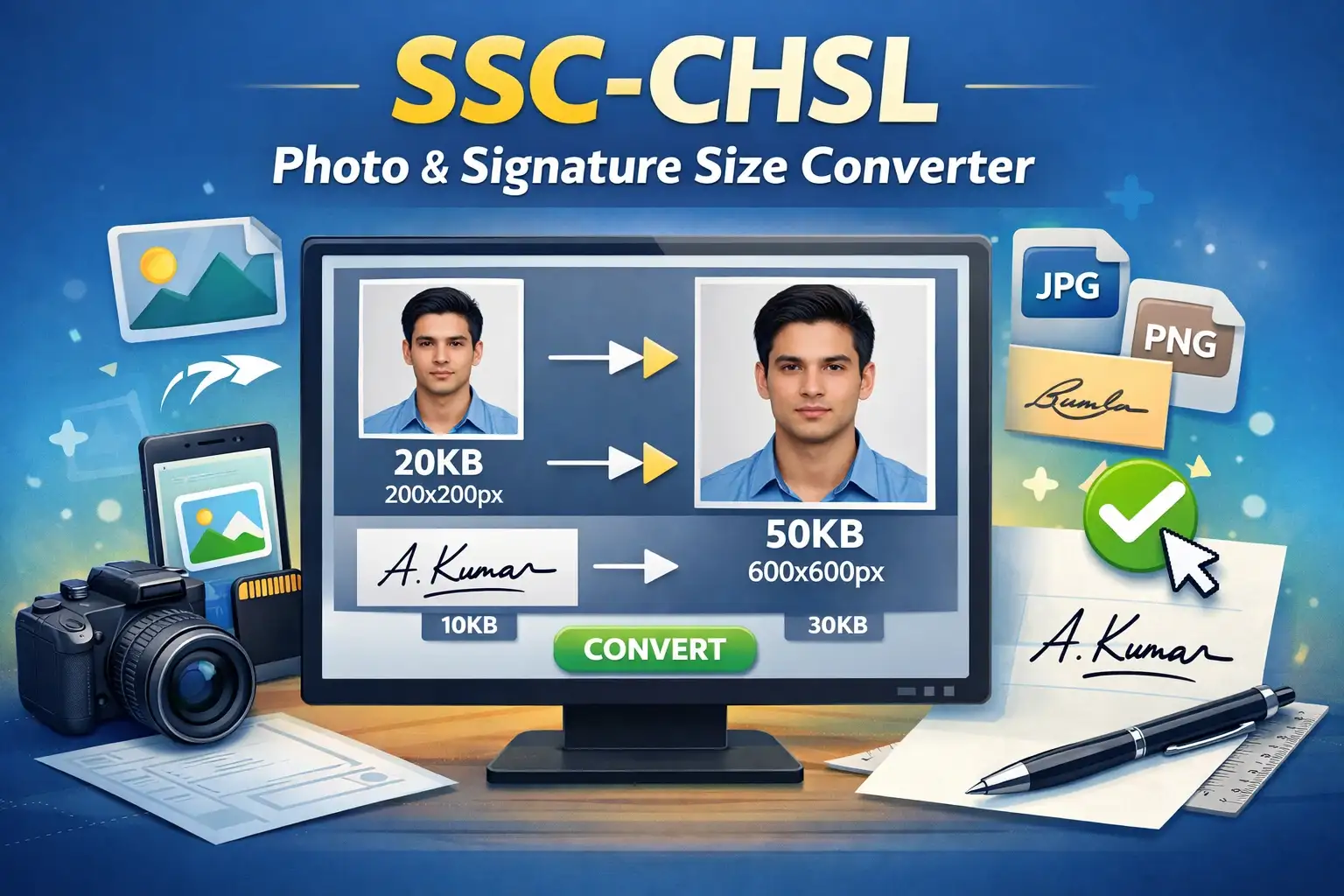
When you use our integrated ssc chsl photo maker online, the tool performs a specialized "contain" crop for signatures (preventing the edges of your long name from being chopped off) and a "cover" crop for photos. It then uses an advanced binary-search compression algorithm to mathematically prepare the uploaded signature for SSC CHSL 2026 to the exact 50 KB limit without turning the ink into a blurry mess. It seamlessly allows you to crop signature for ssc chsl application with a single click.
- Wearing spectacles or sunglasses
- Wearing a cap or hat
- Dark or patterned backgrounds
- Signature in ALL CAPS block letters
- Signature above 20 KB
- Plain White or off-white background
- Both ears clearly visible
- photo without spectacles and cap for ssc chsl
- Signature in running handwriting (Black/Blue ink)
- Exact ssc chsl photo dimensions 3.5 cm x 4.5 cm