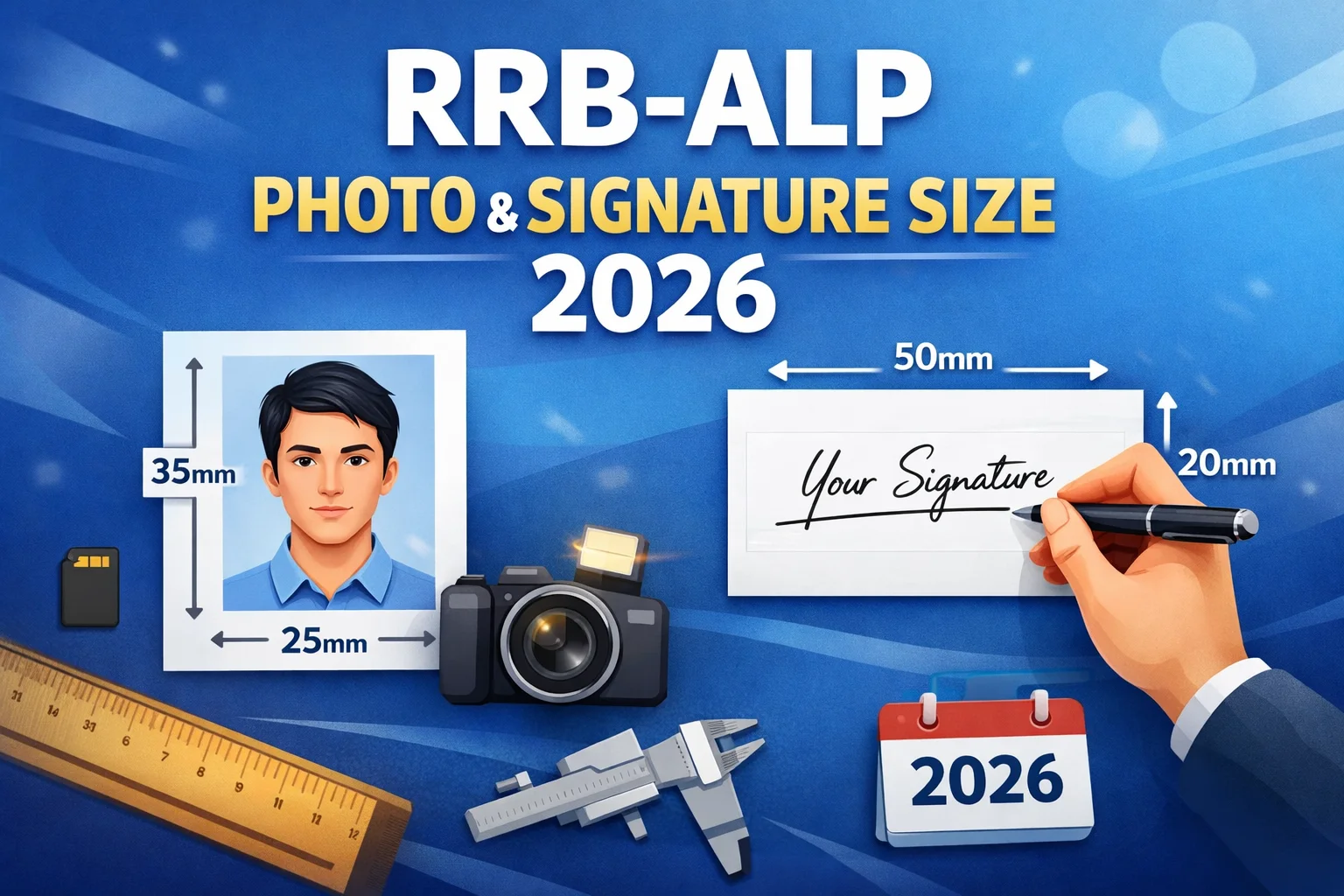
This guide gives you every spec you need, the most common mistakes to avoid, and a free browser-based tool to resize your documents in seconds.
Drag & drop your file here
or click to browse - JPG, JPEG or PNG (Max 15MB)
✓ Your photo is processed securely and stored locally — never saved or shared.
Your perfectly formatted RRB ALP document will appear here.
RRB ALP 2026 Photo Size — Official Specifications
Important: RRB ALP uses a portrait orientation photo. Do NOT use the landscape format (320×240 px) — that is for RRB Group D only. Using the wrong orientation leads to automatic portal rejection.
Ensure the photo age is taken within the last 3 months with a full front face.
Official SpecificationsRRB ALP 2026 Signature Size — Official Specifications
⚠️ Critical Rule: NEVER sign in BLOCK CAPITALS or printed letters. RRB treats this as "identity masking" and will reject your application at document verification — even if pixel size and KB are correct.
Quick ComparisonQuick Comparison Table — All RRB Exams 2026
| Exam | Photo Size | Photo KB | Signature | Sig KB |
|---|---|---|---|---|
| RRB ALP | 413×531 px (Portrait) | 100–150 KB | 140×60 px | 30–49 KB |
| RRB Group D | 320×240 px (Landscape) | 50–100 KB | 140×60 px | 30–49 KB |
| RRB NTPC | 413×531 px | 30–70 KB | 140×60 px | 30–70 KB |
| RRB RPF | 413×531 px | 30–70 KB | 140×60 px | 30–70 KB |
How to Resize RRB ALP Photo & Signature — Step by Step
Open ExamToolPro's RRB ALP Photo Resizer
(No install, works on mobile). Just scroll up to our tool!
Upload your photo
JPG, PNG — any format accepted.
Select "Photograph" preset
Dimensions are auto-set to a 413×531 px working canvas (35×45 mm at 300 DPI).
Check preview and KB
Adjust crop so face fills 50%+ of frame. Verify KB shown in preview — must be between 100–150 KB.
Click Download
Then upload directly to rrbapply.gov.in.
- 1Sign on plain white paper with black ink pen
- 2Click a clear photo — no scanner needed, mobile camera works
- 3Open Signature Resizer above → select "Signature" tab
- 4Tool auto-adjusts to 140×60 px at 30–49 KB
- 5Download and upload directly to rrbapply.gov.in
- Wrong pixels — used Group D landscape (320×240) instead of ALP portrait (240×320)
- File size outside the published 100–150 KB range — check the final file before upload
- Signature in BLOCK LETTERS — rejected at document verification
- Blue ink on signature — some zones flag this at DV stage
- Photo older than 3 months
- Colored or dark background
- Sunglasses or cap visible in photo
The Ultimate Guide to RRB ALP Photo Size 2026 & Signature Uploads
The Railway Recruitment Board (RRB) has officially released the highly anticipated notification for the Assistant Loco Pilot (ALP) positions under CEN 01/2026, announcing a massive 11,127 vacancies. With the application window opening on May 15, 2026, and closing strictly on June 14, 2026, millions of candidates are preparing to submit their forms. However, the biggest hurdle candidates face isn't just the server load—it is strictly adhering to the railway ALP application form photo requirements. The RRB's centralized digital portal employs an unforgiving, automated screening system. If your uploaded files deviate by even a single kilobyte or a few pixels from the official mandate, your application will be instantly rejected. Preparing your digital documents perfectly before visiting the portal is the most critical step of your application journey.
Decoding the Exact RRB ALP Photo Size 2026
Your passport-style photograph is your primary visual identifier and will be heavily scrutinized throughout the Computer Based Tests (CBT 1 & CBT 2), the Computer-Based Aptitude Test (CBAT), and the rigorous Document Verification (DV) stages. According to the official notification, you must perform a precise RRB ALP photo 3.5x4.5 cm resize. In the digital environment, this physical measurement translates to an exact portrait aspect ratio of 240 pixels in width by 320 pixels in height (413x531 px).
Beyond the geometric shape, candidates frequently struggle with the RRB ALP photo KB size 2026. The exported JPEG or JPG file must be mathematically compressed so its total data weight sits securely between a minimum limit of 50 KB and a strict maximum of 150 KB. Attempting to upload a photo weighing 49 KB or 151 KB will immediately trigger a portal rejection. The visual compliance rules are equally fierce: your photo must be captured against a plain white or very light-colored background. The RRB strictly enforces a "No Cap, No Spectacles" mandate. Because the ALP role requires pristine A-1 medical vision standards, you must completely remove your spectacles—even if you wear them daily for vision correction—to prevent lens glare and ensure unobstructed visibility of your eyes.
Mastering the RRB ALP Signature Resize Process
Your digital autograph acts as the core biometric anchor authenticating your application. When preparing your signature for the portal, it must be meticulously scaled. The exact RRB ALP signature size pixels required are 140 pixels wide by 60 pixels high (140x60 px). Because a signature file contains significantly less visual data than a complex facial photograph, it faces an incredibly tight algorithmic data compression threshold: your file must fall exclusively into the 30 KB to 49 KB range.
You must pen your signature on a clean, unlined piece of white paper using a dark blue or black ink flowing pen. However, there is a fatal error that leads to tens of thousands of painful application rejections annually. It is a well-known fact that an RRB ALP signature in capital letters rejected status is irreversible. You absolutely must not sign your name using uppercase block letters (e.g., "VIKAS SHARMA"). Signatures formatted entirely in capitals are deemed legally unauthentic by the commission, treated as an attempt to mask your natural handwriting, and will result in the swift dismissal of your candidacy during the manual DV stage.
How to Avoid the Dreaded RRB ALP 2026 Photo Upload Error
Many candidates experience immense frustration when the rrbapply.gov.in photo size validation fails, throwing an RRB ALP 2026 photo upload error on their screen. This error typically occurs for three reasons: incorrect file extension (using PNG or PDF instead of JPG/JPEG), exceeding the 100-150 KB limit, or submitting an image with a horizontal landscape aspect ratio (which is designated for Group D exams, not ALP).
A disastrously common error involves sloppy file transferring habits between mobile phones and computers. If you capture a perfectly compliant photograph using your smartphone but transfer it to your desktop via WhatsApp or Messenger, the messaging platform applies highly aggressive, lossy background compression algorithms. Your carefully captured 100 KB photo might instantly shrink to a heavily blurred 30 KB file, entirely ruining the visual resolution and dropping below the 50 KB minimum. Always transfer your processed files via secure, raw data methods—such as a direct USB data cable or a private Google Drive link.
Frequently Asked Questions
Common questions about resizing your photo and signature for the RRB Assistant Loco Pilot application portal.