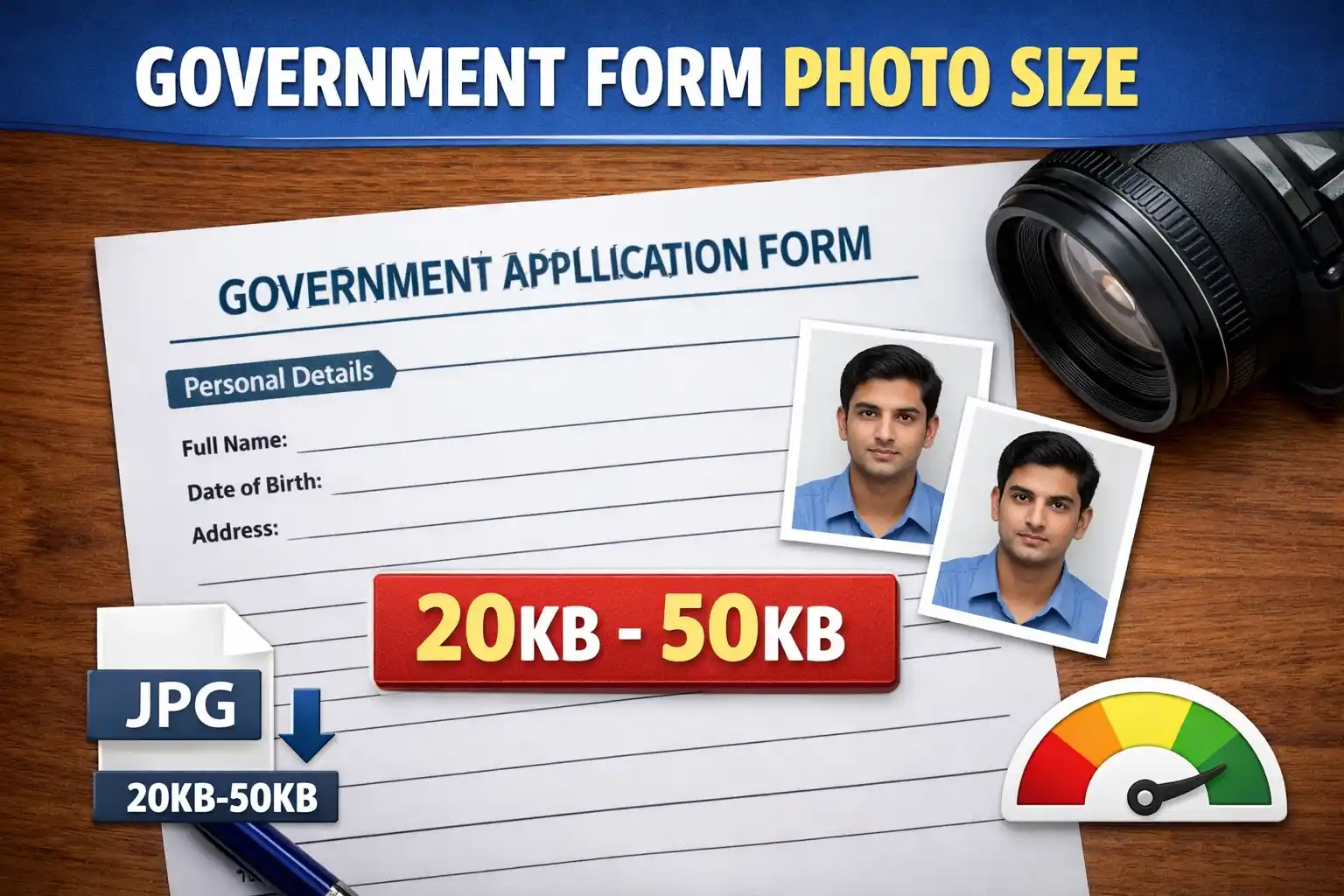
A file size mismatch is the #1 reason candidates fail to submit their applications on time. This guide and built-in utility will show you exactly how to resize photo to 20kb 50kb for online form submissions securely in your browser.
Need a Specific Fixed Size?
If your specific exam portal requires a max limit of strictly 20KB or strictly 50KB, use our dedicated one-click resizers below:
Drag & drop your file here
or click to browse - JPG, JPEG or PNG
✓ Your photo is processed securely in your browser — never saved or shared.
Your perfectly sized 20KB-50KB file will appear here.
Government Form Photo Size 20KB 50KB — Common Working Target
Official Signature Size Requirements (10KB - 20KB)
Quick Comparison Table — Major Exams 2026
| Exam / Portal | Photo Size | Photo KB | Signature | Sig KB |
|---|---|---|---|---|
| SSC (CGL/CHSL/MTS) | 3.5 cm × 4.5 cm | 20–50 KB | 4.0 cm × 2.0 cm | 10–20 KB |
| UPSC (CSE/NDA) | 350×350 pixels min | 20–300 KB | 350×350 pixels min | 20–300 KB |
| Railway (RRB) | 240×320 px (Portrait) | 30–70 KB | 140×60 px | 30–70 KB |
| State PSC / Police | 3.5 cm × 4.5 cm | 20–50 KB | Standard | 10–20 KB |
How to Resize Photo to 20KB 50KB for Online Form
Open the Photo Resizer 20KB 50KB Government Website Tool
Scroll up to the free tool provided on this page. It works natively on both mobile phones and desktop computers.
Upload Your Photograph
Select your image file. The tool supports JPG, JPEG, and PNG formats.
Click 'Compress to 50KB'
Our algorithm will seamlessly compress photo between 20kb to 50kb for exams, maintaining facial clarity without pixelation.
Download & Submit
Verify the new KB size generated in the preview box, download your perfectly formatted government form photo size 20kb 50kb jpg, and upload it to the exam portal.
- 1Sign on plain white paper with a black ink pen
- 2Take a clear photo (avoid shadows and flash glare)
- 3Open the Resizer tool above → select the "Signature (10-20KB)" tab
- 4The tool will auto-crop and compress it to the exact 10KB - 20KB limit
- 5Download the valid JPG and upload directly to your portal
- File size is out of bounds (e.g., 19 KB or 51 KB)
- Uploaded a PNG or PDF instead of a valid JPG/JPEG
- Signature uploaded in BLOCK CAPITAL LETTERS
- Photo taken with a dark, cluttered, or outdoor background
- Candidate wearing a cap, goggles, or heavy spectacles
- Selfies or side-profile photos instead of a proper passport shot
Why is the Official Government Form Photo Size 20KB 50KB Required?
When millions of candidates apply for highly sought-after government positions, digital server infrastructure undergoes immense stress. To ensure smooth functionality and fast loading speeds for admit cards down the line, central recruitment authorities implement strict data caps. This is why the official government form photo size 20kb 50kb rule is universally adopted across portals. Whether you need to resize image 20kb 50kb for ssc upsc railway forms or state-level administrative applications, falling outside this precise data bracket leads to an immediate automated rejection prompt.
How to Compress Photo 20KB to 50KB for Government Forms Safely
Many candidates attempt to shrink their image size using generic web apps, which aggressively degrade image resolution. A blurry photo can lead to disqualification during the document verification stage. Using our dedicated government portal photo size 20kb 50kb free tool guarantees that the biometric integrity of your face is preserved. Our utility uses intelligent compression scaling to efficiently resize photo to 20kb 50kb online free. By stripping out unnecessary metadata while keeping the core pixel density intact, the result is a crisp, compliant image.
Avoiding the Common "Invalid Format" Errors
A frequent mistake candidates make is simply changing the file extension name instead of properly converting the file. A 20kb 50kb photo size for government application must be a true JPEG. Our tool not only compresses but also standardizes the output encoding to generate an authentic government form photo size 20kb 50kb jpg file. If your signature is also rejected, be sure to use the "Signature" tab in our tool, which targets the stricter 10KB to 20KB requirement typically mandated alongside the photo.
Frequently Asked Questions
Common questions about targeting the 20KB to 50KB photo constraint.